Payloads
Payloads on the WiFi Pineapple Pager provide an easy way to expand the functionality of the pager through standard bash scripting enhanced with DuckyScript commands.
User payloads can create user interactions on screen, perform complex actions (anything you can do in Linux you can do in a payload), and are one of the primary ways of expanding the functionality of the Pager.
Did you know?
You can use the right and left buttons on the DPAD to scroll through the payload list faster!
Installing payloads
Check out the Payload installation guide for how to install and organize payloads!
Activating user payloads
User payloads are activated in the UI by selecting the Payloads category from the dashboard, then selecting the payload to run from the list.
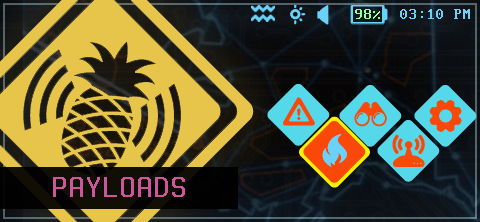
Select the Payloads option
Inside the payloads picker, you can select payloads from any category.
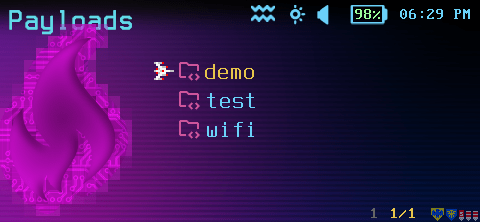
Select the Payloads category
Each category may have any number of payloads.
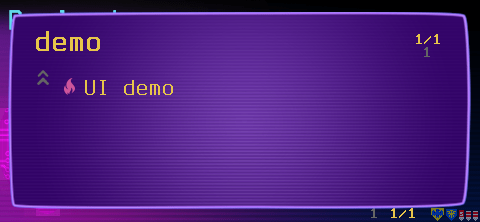
Payload lists
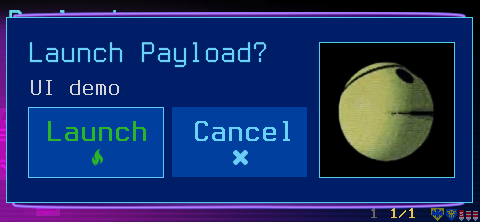
Confirm launching a payload
An activated payload can run system commands, custom logic, show basic text output, or prompt for strings, MAC addresses, IP addresses, and more.
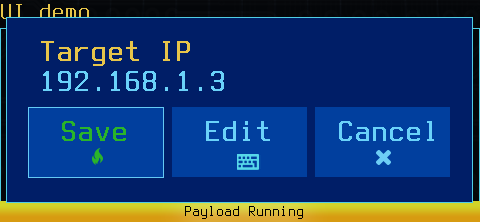
A payload asking for an IP
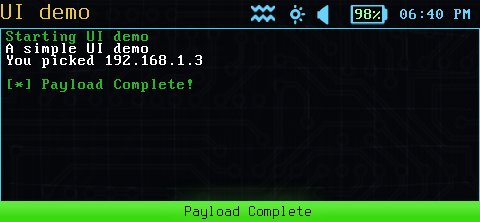
Basic payload output
Developing payloads
The Payload section of the manual covers payload development, check it out!