Alert Payloads
Alerts on the WiFi Pineapple Pager are generated by alert payloads, small easy-to-write scripts which react to events.
Alerts offer a fast way to display events on your device or fire off more complex behavior in the background.
Adding alert payloads
Alert payloads are placed in the /root/payloads/alerts/ directory in the appropriate category:
| Catgory | Description |
|---|---|
| deauth_flood_detected | Recon detected a flood of deauthentication packets. A small amount of deauthentication/disassocation is normal as clients move between networks, but a flood of these packets can indicate a denial-of-service attack. |
| handshake_captured | A WPA-PSK or WPA2-PSK handshake has been captured. Handshakes can be found in /root/loot/handshakes/ and can be used for offline attacks against a WPA-PSK network. Learn more about handshakes here! |
| pineapple_client_connected | A client connected to a WiFi Pineapple access point (such as open or WPA) |
| pineapple_client_disconnected | A client disconnected from a WiFi Pineapple access point |
Running alert payloads
Alert payloads are automatically triggered when an event happens in the recon system.
All enabled alerts in a category are run when an event occurs.
Controlling alerts
Alerts can be listed, enabled, and disabled from the Alerts category of the dashboard.
Each alert payload can be individually enabled or disabled. Disabled payloads will not be run.
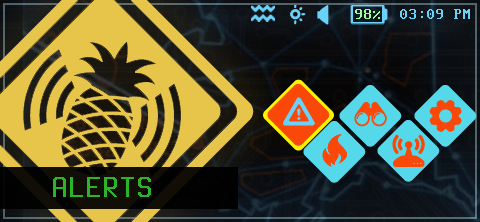
Select the Alerts panel
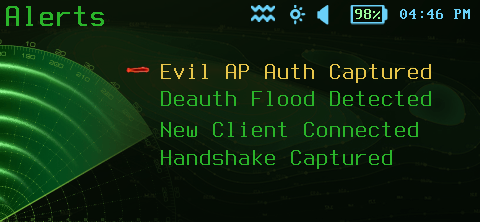
Select the alert category
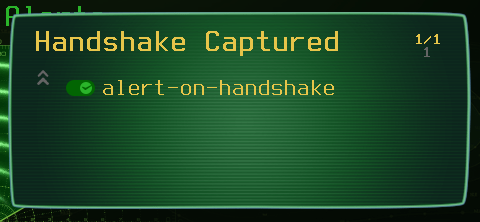
Each alert can be toggled
Developing alert payloads
Alert payloads are bash scripts with DuckyScript commands: Learn more about developing payloads and how alert payloads work.