On this page
article
Alerts
Alerts on the WiFi Pineapple Pager are generated by alert payloads, small easy-to-write scripts which react to events.
Alerts offer a fast way to display events on your device or fire off more complex behavior in the background.
Adding alert payloads
Alert payloads are placed in the /root/payloads/alerts/ directory in the appropriate category - more on this to come soon!
Controlling alerts
Alerts can be listed, enabled, and disabled from the Alerts category of the dashboard.
Each alert payload can be individually enabled or disabled. Disabled payloads will not be run.
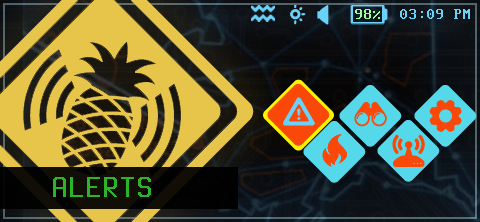
Select the Alerts panel
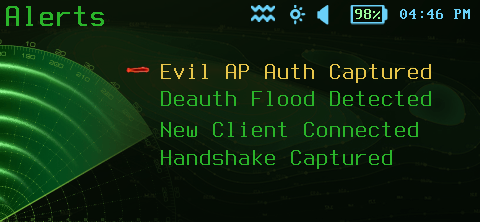
Select the alert category
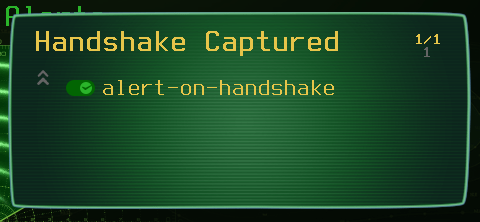
Each alert can be toggled